Free
$0no sign-up
- Up to 40 photos per batch, unlimited batches
- Transparent PNG, white JPG, or any solid color
- Optional soft shadow and a touch-up brush
- HEIC, whole folders and paste (Ctrl/Cmd+V)
- No sign-up, no watermark
Photos are never uploaded
This device is a bit slower, so expect a few more seconds per photo.
This browser isn't supported
Used it on a real shoot? Email me a line, and with your OK I'll quote it on the site.
JPG, PNG, WEBP or HEIC, straight off an iPhone, or a whole folder at once.

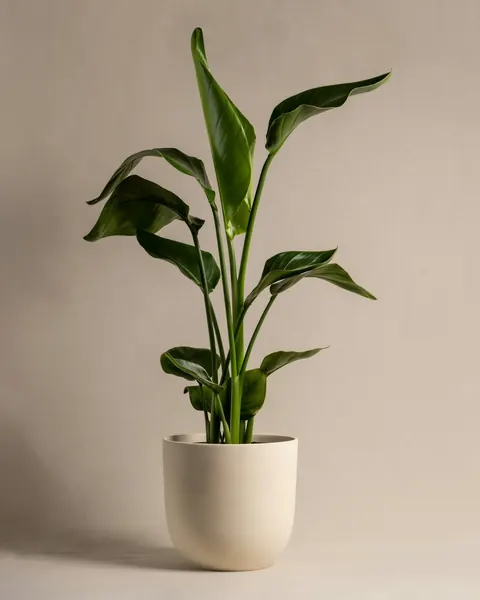
One photo after another, with progress on each thumbnail. The first run takes a little longer to get ready.
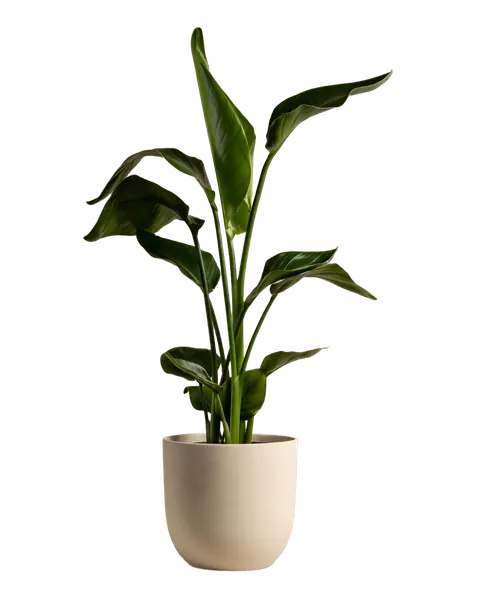
Fix any stray edge with the brush, then save each photo. With Pro, take the whole batch as one ZIP.

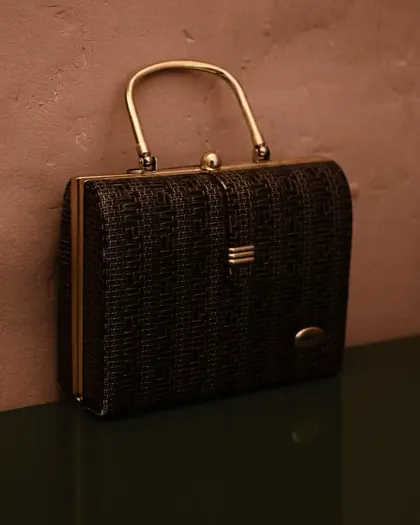
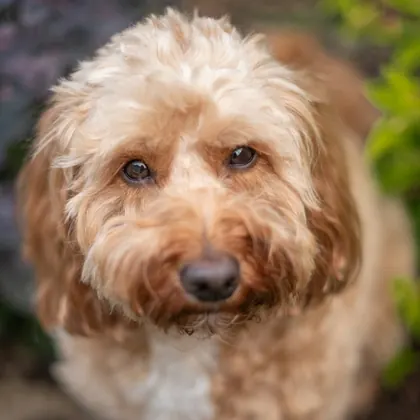
Five shots picked because they're hard to cut out. All five were processed in this tool.
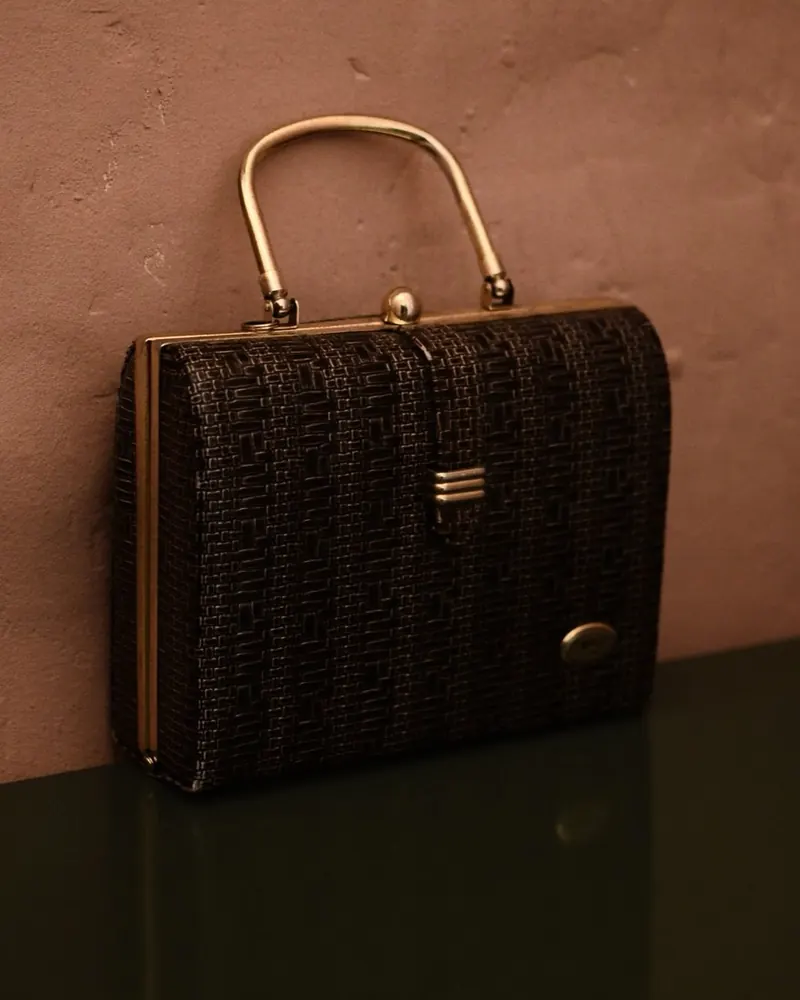
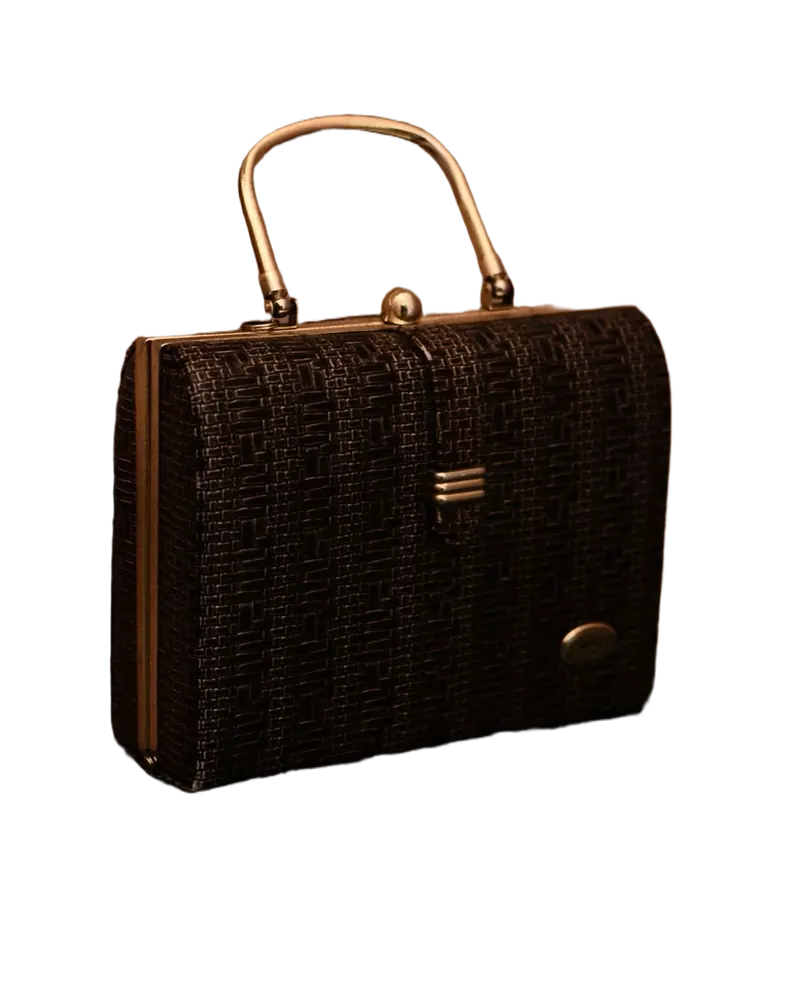
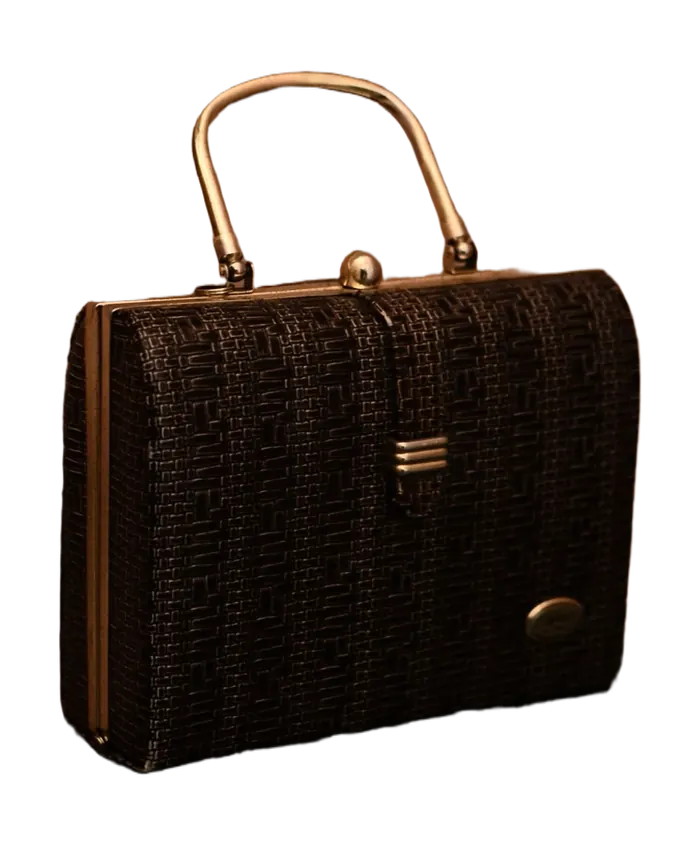
Stitching, a thin strap and a glossy edge that picks up the table.


The handle gap. The background has to disappear inside it, too.
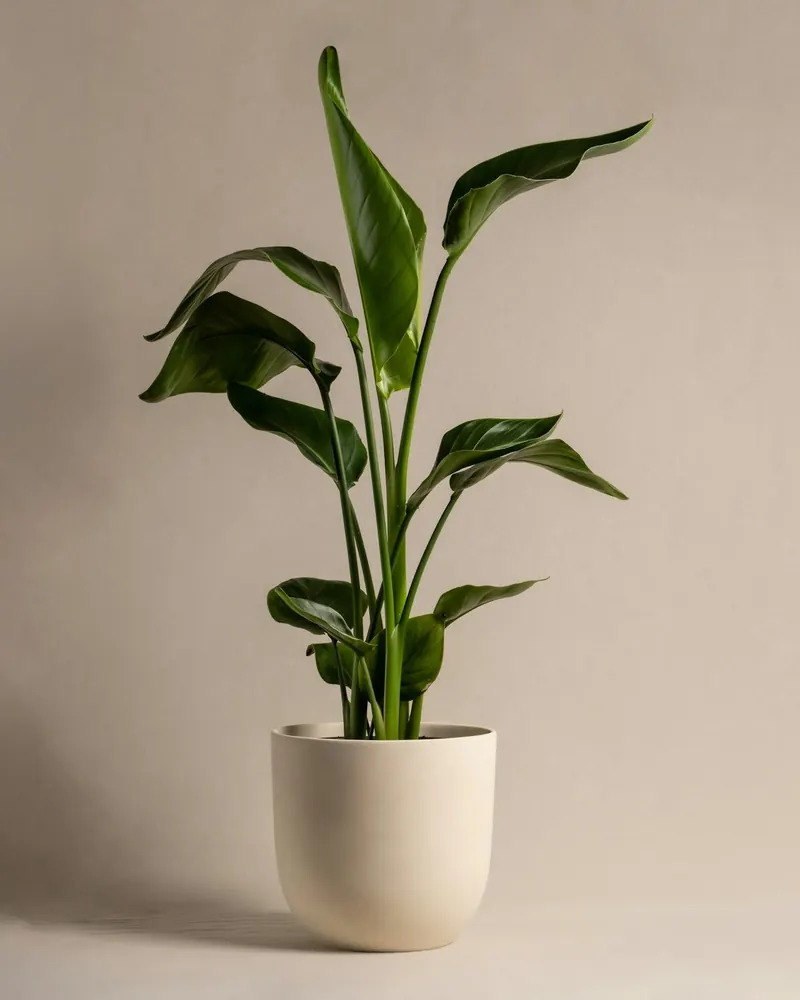
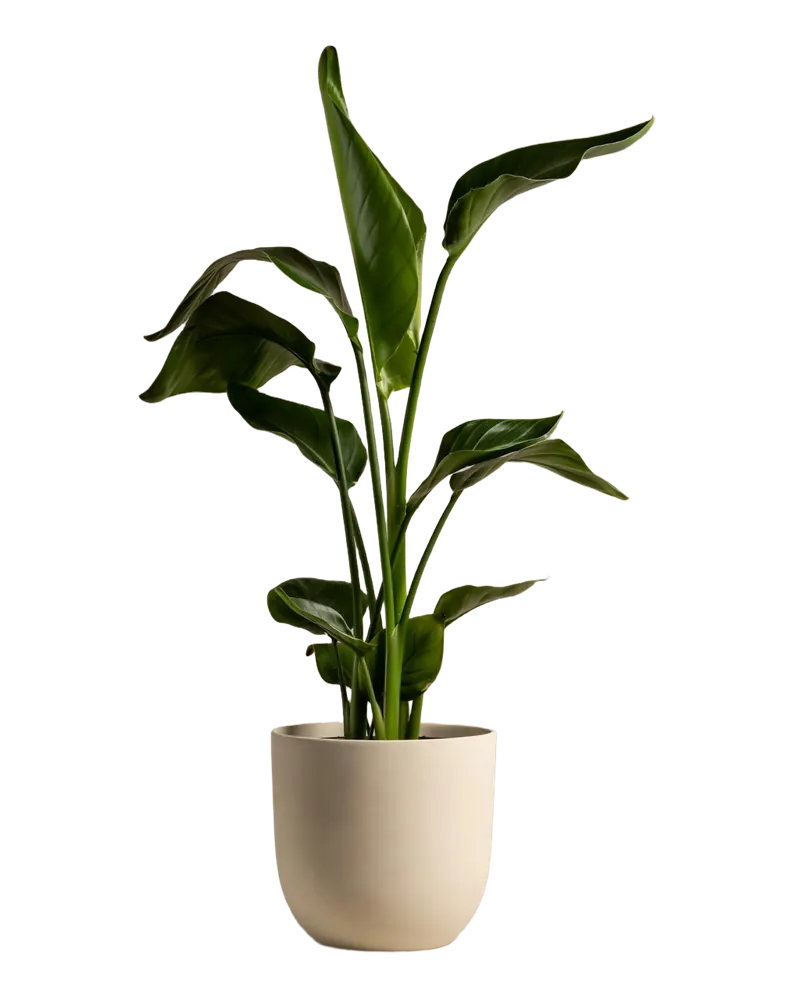
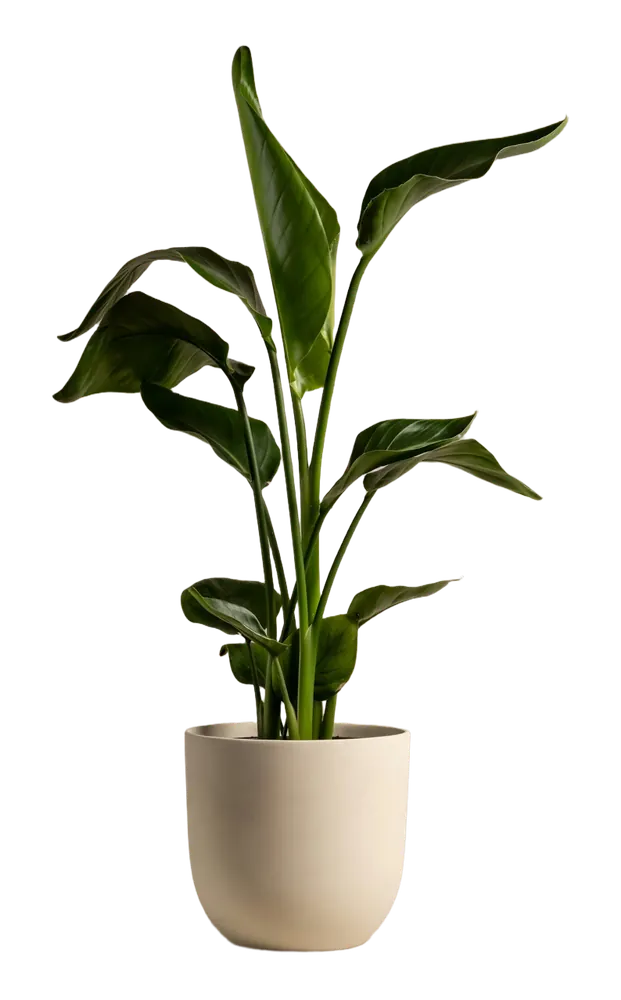
Dozens of leaves at different angles, and the pot's edge where soil meets backdrop.
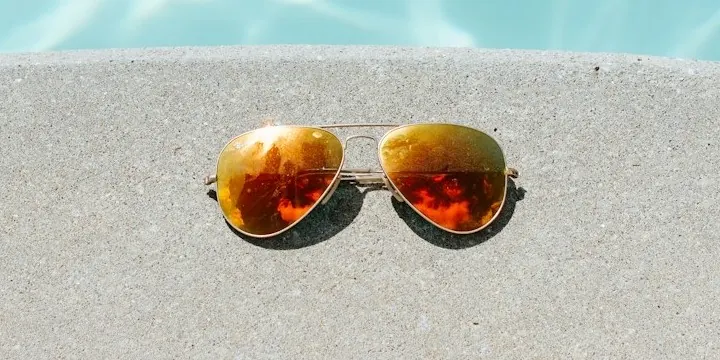
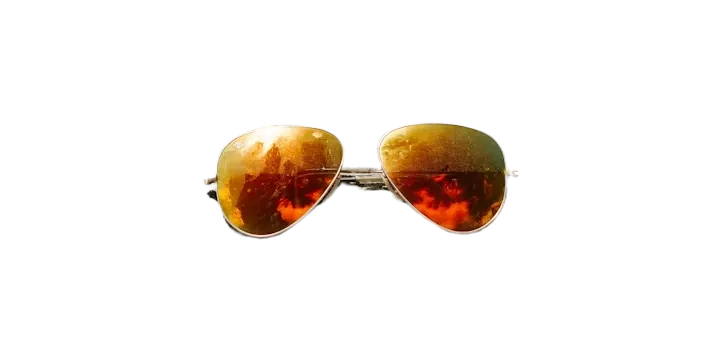
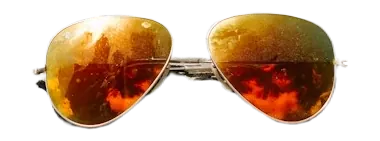
Thin arms, tinted lenses and the gap between the frame and the table.
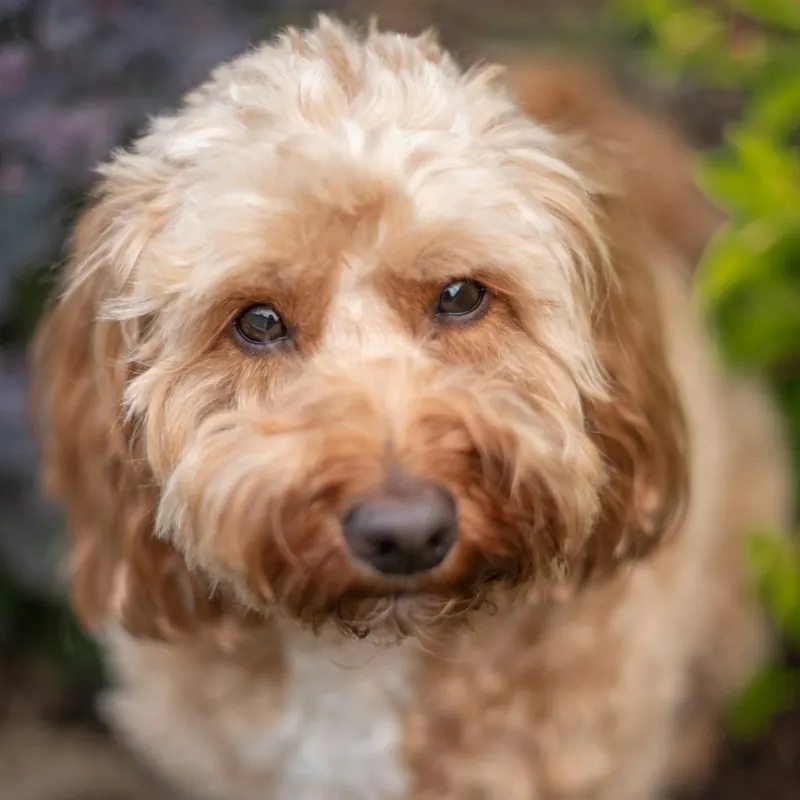
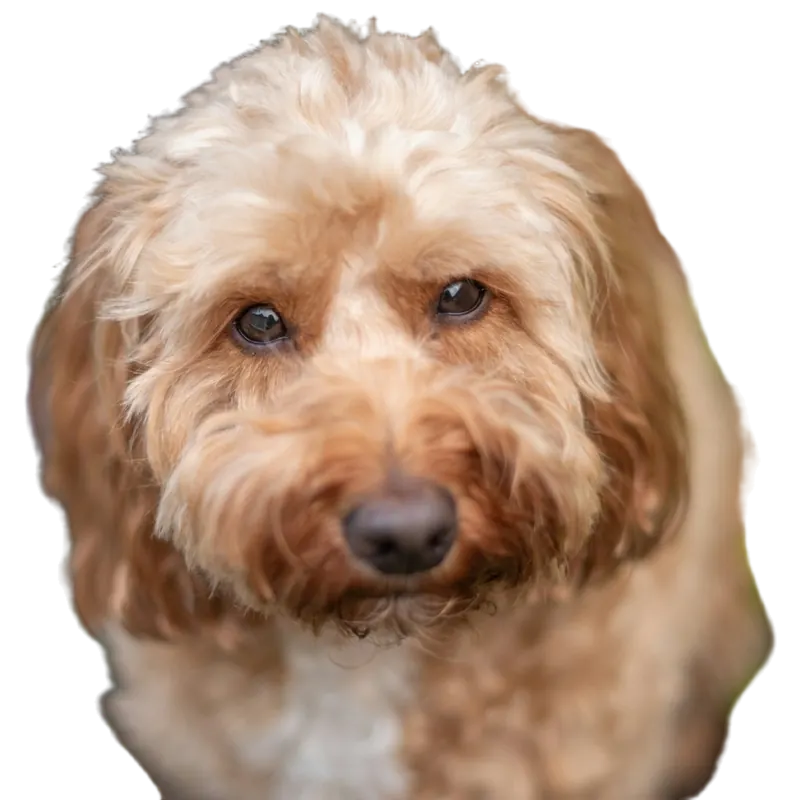
Fur. Thousands of loose strands against a busy background. The hardest case here: check the edges and use the brush.
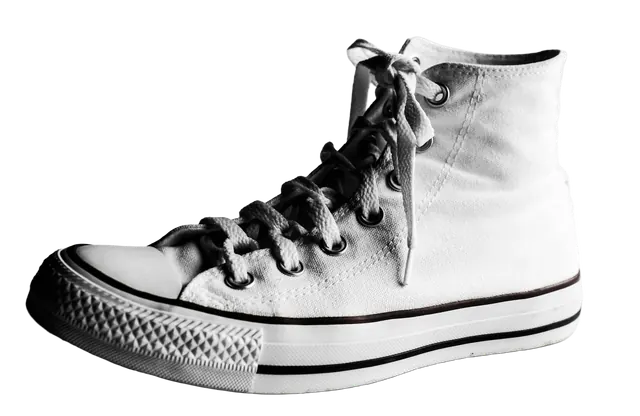
Pick a color in the Output menu and every photo in the batch comes out on it. Same sneaker, four colors.
Fine hair, glass and low-contrast edges are the hard cases for any remover. The touch-up brush is there for stray edges (see FAQ).

Amazon, Etsy, Shopify, eBay and Walmart each want a different size. Cut out the shoot once, then export each listing at the size it needs.
Get mockup and design photos onto a clean, transparent background without opening an editor for every file.
Photographing clothes, bags and shoes on a bed or floor? Cut them out in bulk and list the same night on Depop, Poshmark or Vinted.
Hand a client a folder of cut-outs the same day. Your photos are never uploaded, which is easier to explain to a client.
Pro puts each cut-out on the canvas below: product centered on white, with padding. If a JPEG is over the file-size limit, quality drops until it fits. Any photo that still goes over is flagged.
These are our defaults, based on common marketplace guidance. Rules change, so check the current requirements before you upload.
| Marketplace | Canvas | Padding | Background | JPEG limit |
|---|---|---|---|---|
| Amazon main image | 2000×2000 | 4% | White | 10 MB |
| Etsy listing | 3000×2250 | 10% | White | 1 MB |
| Shopify product | 2048×2048 | 8% | White | 20 MB |
| eBay listing | 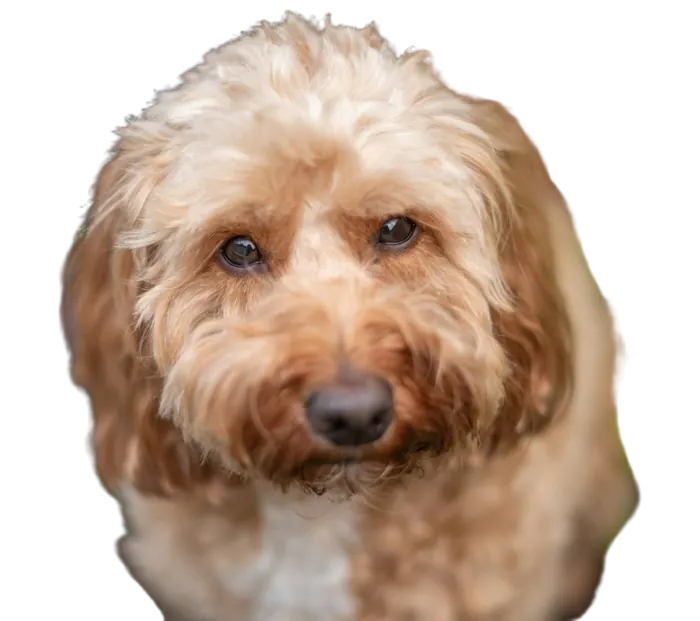 1600×1600 | 5% | White | 12 MB |
| Walmart listing | 2200×2200 | 3% | White | 5 MB |
Bulk Background Remover cuts out backgrounds on your own computer, up to 40 photos per batch for free, with no account. Your photos are never uploaded: we never receive them, so there's nothing to store, sell or leak. Close the tab and they're gone.
Want proof? Open your browser's Network tab while a batch runs. Your photos never show up.
Your photoCut-outWhat we found on other background removers. "Often" and "usually" mean exactly that: individual tools differ.
| Feature | This tool | Typical free online removers | Subscription editors |
|---|---|---|---|
| Where your photos go | Never uploaded | Often uploaded to the vendor's servers | Cloud editors upload them; some desktop apps stay local |
| Free batch size | 40 per batch, unlimited batches | Often a few photos at a time, or limited by credits | Often a few free exports, then a plan |
| Sign-up | None | Often required to download | Account required |
| Watermark | None | Sometimes on free downloads | Usually gone once you subscribe |
| Resolution | Full size up to 4096 px on the long side, free | Often reduced on the free tier, with full size costing credits | Full size on paid plans |
| Cost over a year | $0, or $29 once for Pro | Credit packs often run about $0.08 to $0.18 per image | About €96 a year at €8 a month |
Checked October 2026. We don't name other tools; prices change, so check before you buy anything, including ours.
Nothing to install either: no script to run and no desktop app, just this page. Is the remover you use now closing? See how to move your batches over. A PNG that won't stay transparent is a different problem; the PNG transparency guides cover the usual causes.
Pro is listing-ready export: the right size, file weight and filename for each marketplace, in one ZIP. One payment, no subscription to cancel.
Photos are never uploaded
Activate in 3 browsers · 14-day refundI have a license key
$29 is less than 4 months of a typical €8/month editor, and then it's still yours. On a credit-based tool, it's roughly what 160 to 360 images cost.
Yes. Free gives you 40 photos per batch, as many batches as you want, no sign-up and no watermark. The catch is the batch cap and the export tools. Marketplace sizes, bulk rename, ZIP download and no cap are Pro, $29 once. Use free for as long as it's enough.
Yes. Your photos and the cut-outs are yours, and we claim no rights to them. There's no watermark and nothing to credit. You're still responsible for the usual rules on your own photos and on each marketplace.
Good on most product photos, and the gallery above shows real results. Fine hair, fur against busy backgrounds, clear glass and low-contrast edges are hard for every remover. Check each result before you list. The touch-up brush fixes stray edges.
Not yet. For now, use a laptop or desktop computer with a current Chrome, Edge, Safari or Firefox. On a phone, the page offers to send you the link so you can open it on your computer. A phone version is on the way.
No. They're never uploaded, so there's nothing to keep. Close the tab and they're gone. If you buy Pro, your license activation is the only thing remembered.
JPG, PNG, WEBP and HEIC, including iPhone photos. Drop a whole folder or paste an image with Ctrl/Cmd+V. Anything longer than 4096 px on its long side is scaled down first. Save as a transparent PNG, a white JPG, or on a solid color of your choice.
A few seconds per photo on a recent laptop, so 40 photos is a couple of minutes. The first run takes a little longer to get ready.
Ask for your money back within 14 days. Pro is $29 once, so there's no subscription to cancel afterward either.
Drop it in. 40 photos free, no sign-up, nothing uploaded.
Clean my photos